


Materials, right in your scene
From walnut to travertine. Adjust color, texture and finish, then save your own materials.
Create interiors and exteriors from a photo, description or floorplan. Adjust materials and lighting right in your scene, explore new framing and compare your versions.
5 free credits for one month · No card required
Coming soonYour next presentation, in motion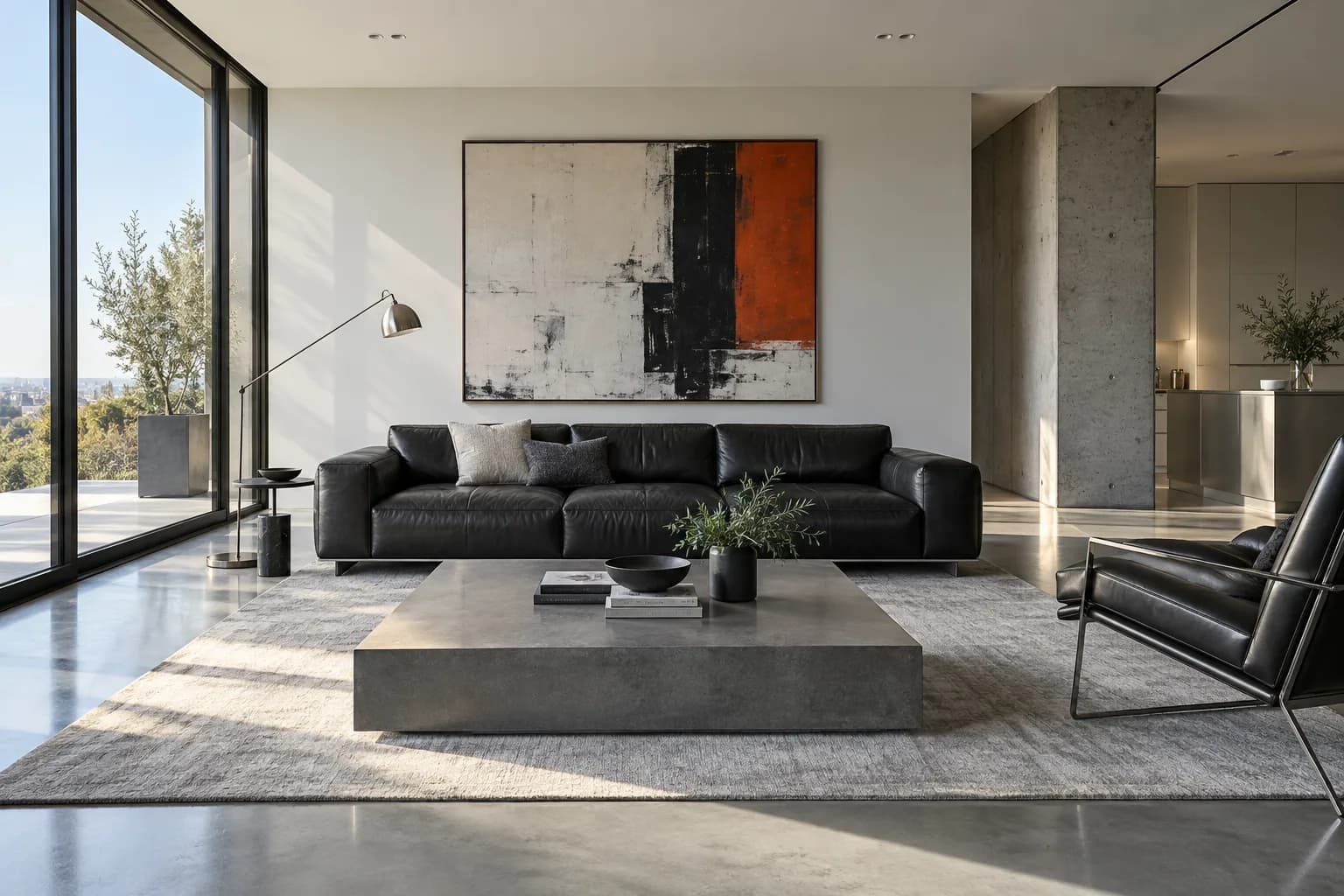
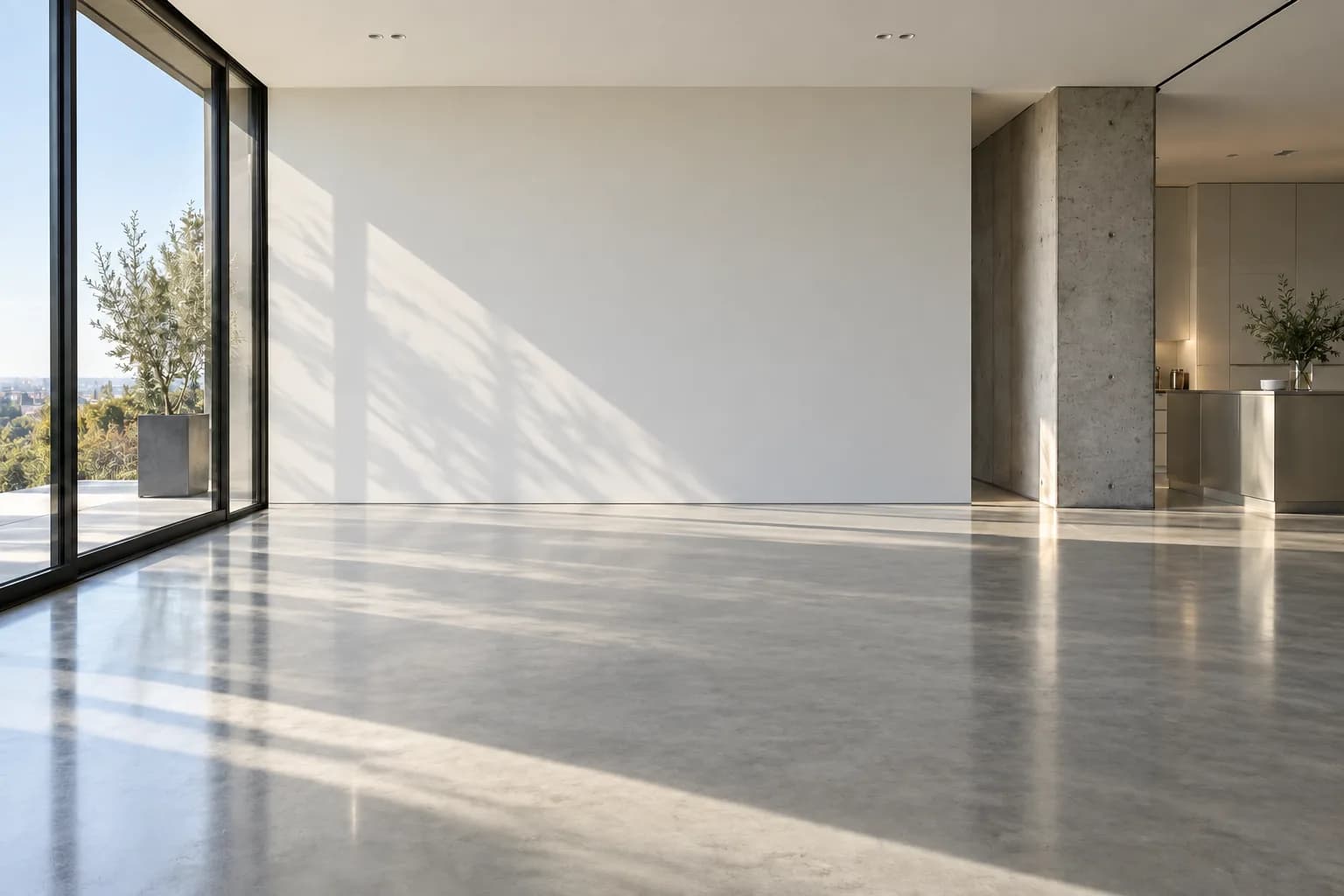
See how materials, light and composition transform the same scene. Explore the details in the demonstrations below.
Feature illustrations · Interact with the images to explore
From walnut to travertine. Adjust color, texture and finish, then save your own materials.
Explore warm light, cool light and night scenes. Combine lighting and weather, then save your presets.


Bring colors, materials and style from a reference to the region you choose.


From a single piece to a complete composition. Use your library or an image and adjust placement, scale and rotation.
Frame with the crop mask and save a new version. Your original stays preserved.
OriginalCompare alternatives, choose your base and explore each version’s history.
Choose a material, name and mark the region. Apply and review right in your scene, keeping your zoom.
Turn an approved project image into a short video. Gentle camera movements to present spaces, highlight details and share your idea with clients.
Gentle camera movement across an outdoor pool area, created from a single image. AI-generated example; results may vary.
Coming soon. Duration and resolution depend on the selected quality.
A clear visual direction starts with clear boundaries. Organize references, choose what can change and compare every alternative with your original project.
Protect only what matters. Mark elements you want to preserve and guide changes to the rest. Review each result before approval.
Mark regions and choose what to protect or edit. Review the result before approving.
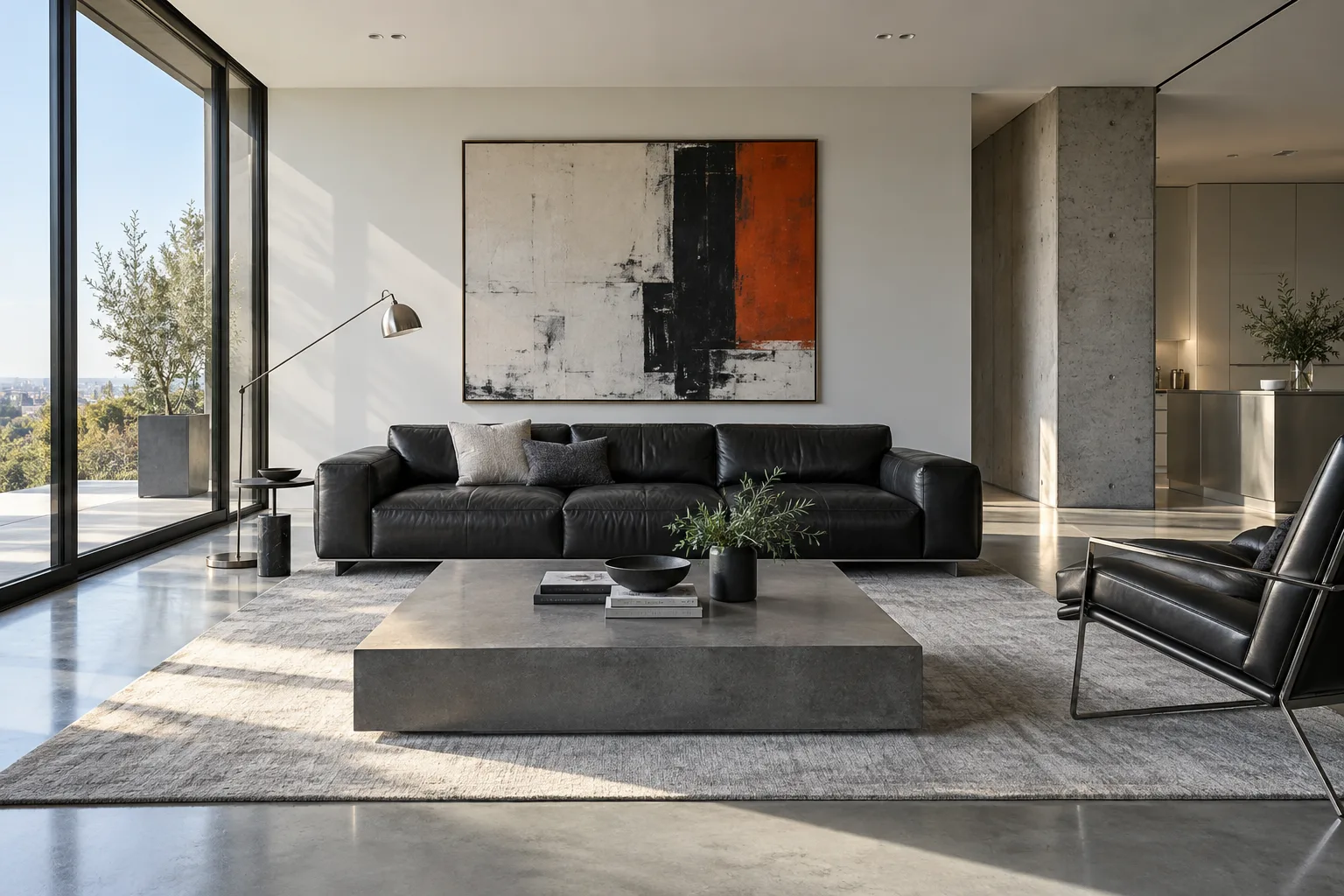
Expected: keep the sofa's shape, position and appearance while exploring new decor around it.
With Keep material and Keep texture enabled, protected regions retain the source image inside the marking. Draw close to the object: any background included in the selection is also preserved. Review the outline when reusing a saved version.
Three steps. Your project at the center of each one.
Upload a photo or floorplan, or start with a description.
UploadChoose materials, adjust lighting and mark the regions that can change.
Style + controlReceive alternatives to compare, review and export.
GenerateCreate images from text, style an area of a floorplan or explore a camera perspective. Choose your starting point and develop everything in one project.
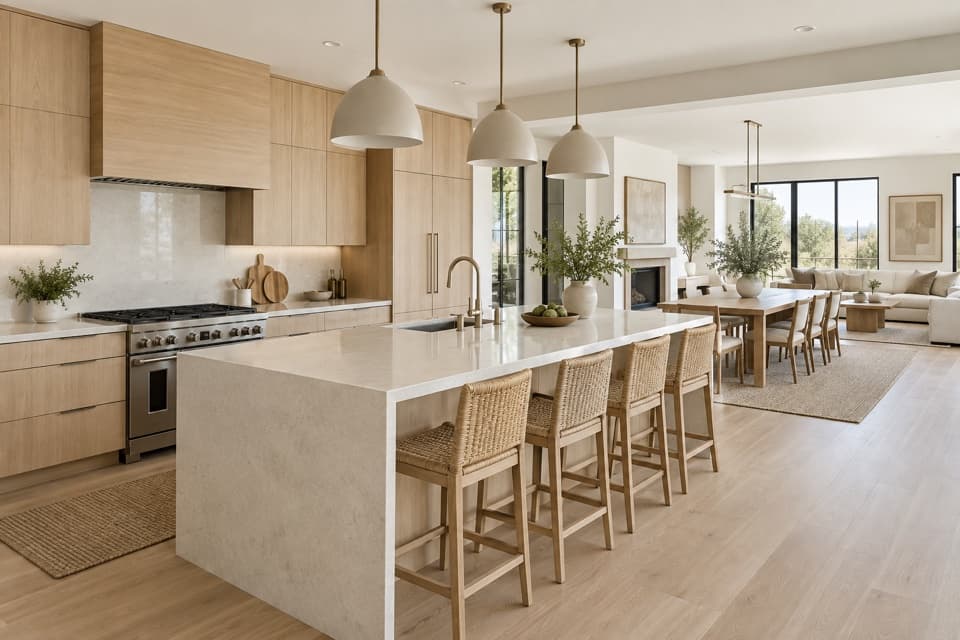
Describe the space you imagine and explore images in your chosen style, even without a starting photo.
Approve an image to create your first version and continue editing.
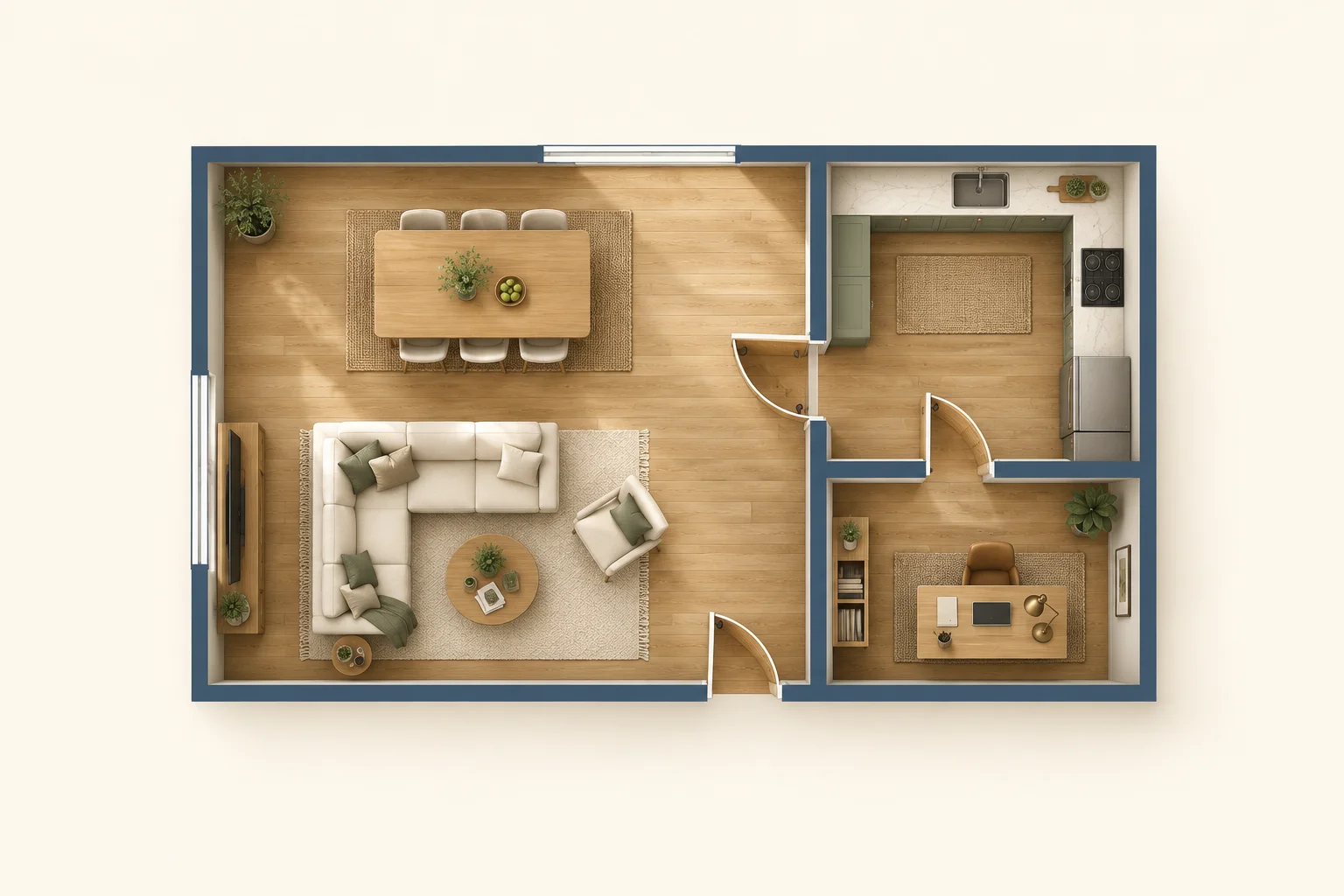
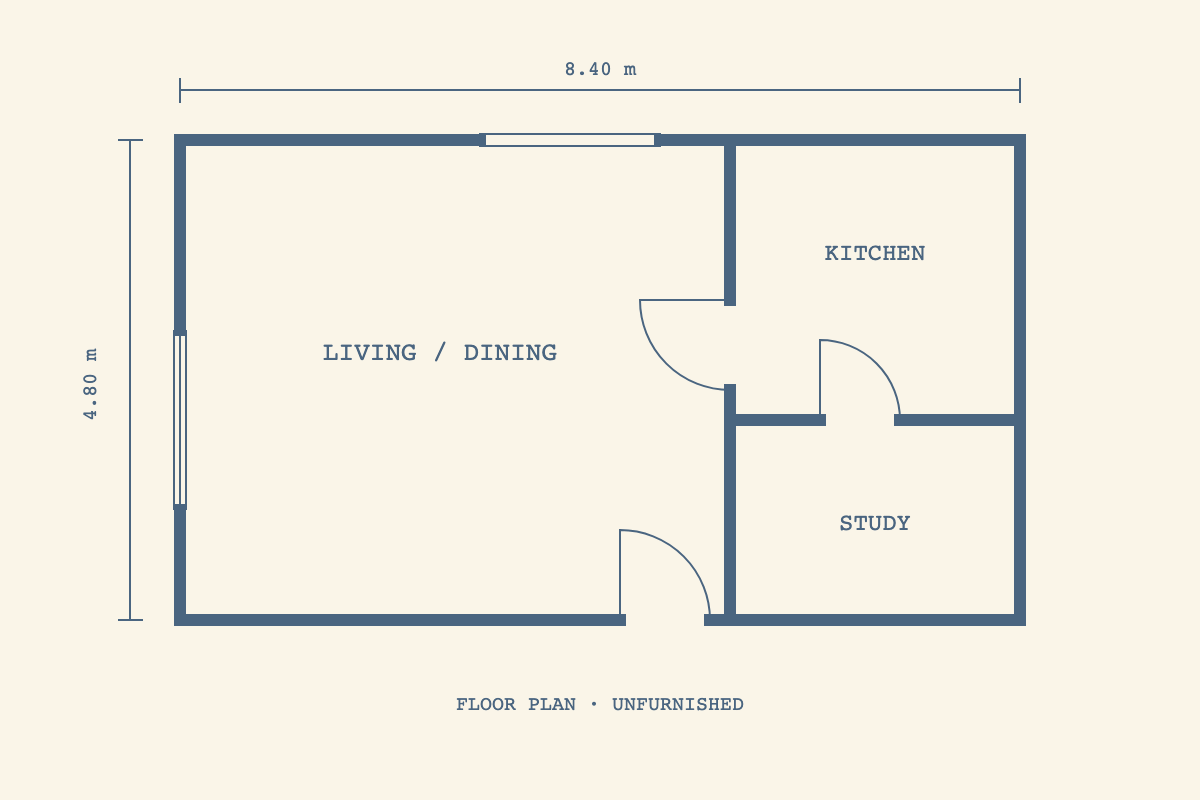
Upload a PNG or JPEG floorplan, mark a room with a rectangle or polygon and apply materials and furnishings in a top-down view.
Save multiple areas on the same plan. Your original remains available.
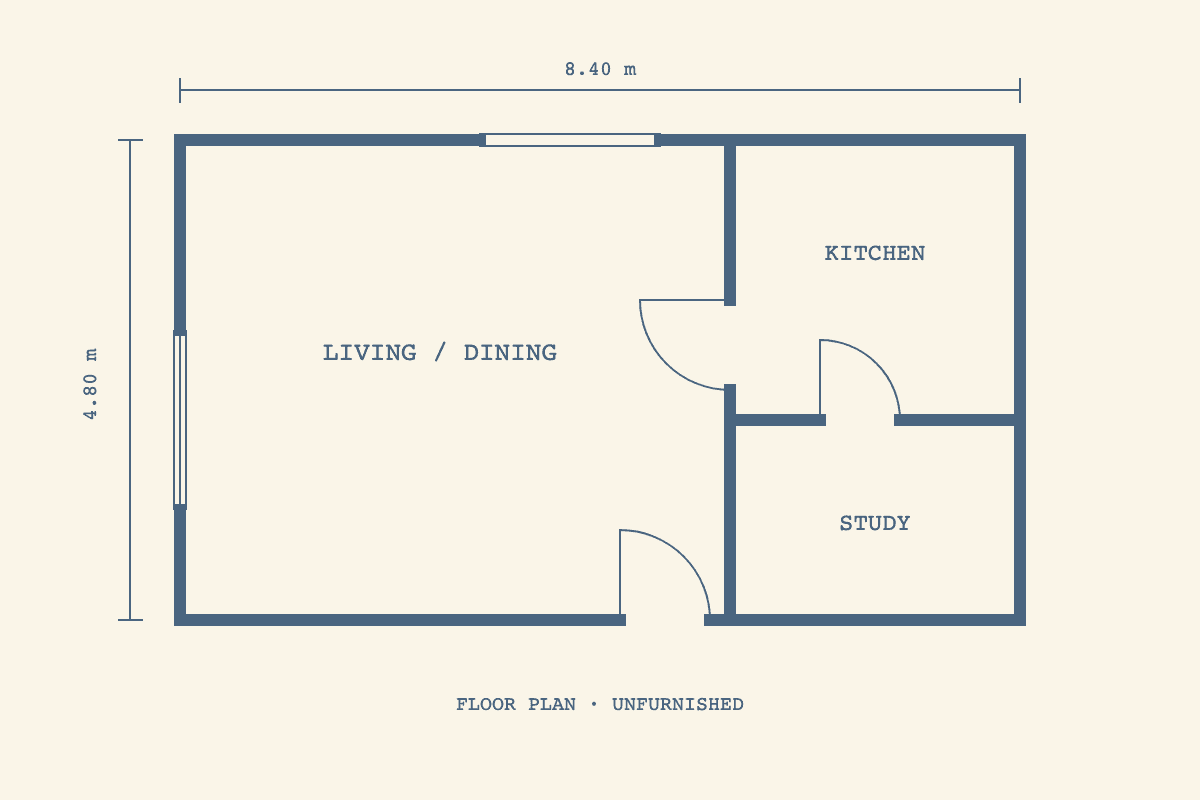
Place the camera inside your selected area, adjust its direction and choose a narrow, standard or wide field of view.
Creates a 2D image based on the plan and camera; it is not a 3D model or CAD/BIM reconstruction.
Start from an existing photo or render. Preserve elements, replace objects or try new materials.
Mark regions and review each result before approval.
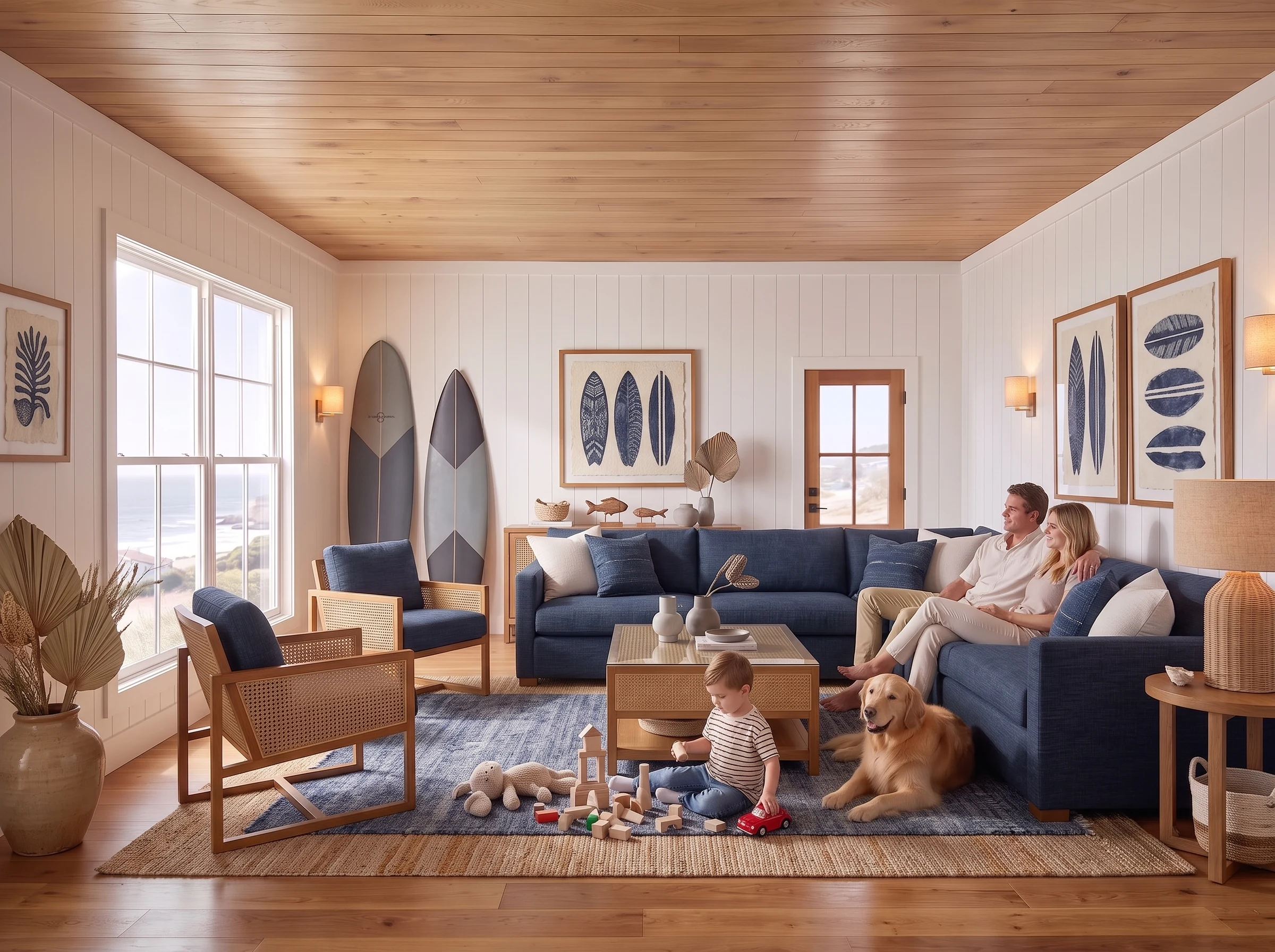
Use an interior or exterior drawing as a reference to explore materials, textures and lighting.
Choose a style and use instructions to guide the transformation.
Explore furniture, rug and lighting proposals for an empty room or an existing composition.
Allow new objects or preserve the elements already in your design.
129 styles for interiors, exteriors, kitchens, bedrooms, suites, home offices, commercial workplaces and building facades. Explore materials and palettes, then save your favorites.
Explore possibilities for atmosphere, materials and furnishing.
Archmazing visual concepts.
Explore design alternatives with the original structure as your reference.
Explore possibilities ↗Create visual directions and styles without starting every concept from scratch.
Explore possibilities ↗Explore furnishing, renovation and property presentation faster.
Explore possibilities ↗Choose 1K for quick exploration or 2K for more detail.
Mark regions, protect elements and direct edits.
Compare alternatives before choosing your next version.
Open the history of each version and choose a saved image as the base for your next edit.
Content belongs to your workspace, with authenticated access.
Export selected versions in the available formats.
Preserve the real space, compare alternatives and approve the versions that matter. Keep references, instructions and results together inside your project.
Start free. Choose a plan when you need more credits.
Credits let you choose how to use your monthly rendering capacity. Fast uses fewer credits; Professional and Premium use more. Credits are charged for successfully delivered images.
Paid plan credits renew monthly, including with annual billing. Free credits are granted once for a one-month trial.
200 credits per month
Up to 200 Fast renders
100 Standard · 66 Professional · 50 Premium
Alternative ways to use the same monthly credits. These quantities are not added together.
1 credit / render
Rapid design exploration
2 credits / render
Explore with greater visual fidelity
3 credits / render
Professional design visualization
4 credits / render
For demanding scenes
1 workspace per subscription
5 active projects
1 person, including the owner
25 GB project storage
Choose plan200 credits per month
Up to 200 Fast renders
100 Standard · 66 Professional · 50 Premium
Alternative ways to use the same monthly credits. These quantities are not added together.
1 credit / render
Rapid design exploration
2 credits / render
Explore with greater visual fidelity
3 credits / render
Professional design visualization
4 credits / render
For demanding scenes
1 workspace per subscription
5 active projects
1 person, including the owner
25 GB project storage
Choose plan520 credits per month
Up to 520 Fast renders
260 Standard · 173 Professional · 130 Premium
Alternative ways to use the same monthly credits. These quantities are not added together.
1 credit / render
Rapid design exploration
2 credits / render
Explore with greater visual fidelity
3 credits / render
Professional design visualization
4 credits / render
For demanding scenes
Fast Upscale · 2× / 4×
Professional Upscale · 2× / 4× / 6× · Up to 132 MP*
Video Enhance · 1080p / 30 fps
Upscale limits and credits1 workspace per subscription
20 active projects
3 people, including the owner
100 GB project storage
Choose plan1200 credits per month
Up to 1,200 Fast renders
600 Standard · 400 Professional · 300 Premium
Alternative ways to use the same monthly credits. These quantities are not added together.
1 credit / render
Rapid design exploration
2 credits / render
Explore with greater visual fidelity
3 credits / render
Professional design visualization
4 credits / render
For demanding scenes
Fast Upscale · 2× / 4×
Professional Upscale · 2× / 4× / 6× · Up to 336 MP*
Video Enhance · 4K / 30 fps
Upscale limits and credits1 workspace per subscription
50 active projects
5 people, including the owner
500 GB project storage
Choose plan1500 credits per month
Up to 1,500 Fast renders
750 Standard · 500 Professional · 375 Premium
Alternative ways to use the same monthly credits. These quantities are not added together.
1 credit / render
Rapid design exploration
2 credits / render
Explore with greater visual fidelity
3 credits / render
Professional design visualization
4 credits / render
For demanding scenes
Fast Upscale · 2× / 4×
Professional Upscale · 2× / 4× / 6× · Up to 512 MP*
Video Enhance · 4K / 60 fps
Upscale limits and credits1 workspace per subscription
Unlimited active projects
5 people, including the owner
1 TB project storage
Choose planFree credits are granted once and expire after one month. Your account and saved projects remain accessible. After the trial, buy credits to keep generating; a paid subscription is optional.
1 GB project storage
Start free ↗Fast Upscale · 2× / 4×
Upscale limits and credits1 workspace per subscription
1 active project
1 person, including the owner
5 free credits, valid for one month
Try Archmazing with free credits
Use these free credits within one month. After that, your account remains accessible; buy credits to keep generating.
Up to 5 Fast renders with your free credits
2 Standard · 1 Professional · 1 Premium
Examples of how to use the same free credits at different qualities. These quantities are not added together.
1 credit / render
Rapid design exploration
2 credits / render
Explore with greater visual fidelity
3 credits / render
Professional design visualization
4 credits / render
For demanding scenes
Enlarge saved images with Fast or Professional. Both use the same credit balance as renders and animations; there is no separate Upscale allowance. Free includes Fast; Professional starts with Pro, including Founding Pro.
| Plan | Fast Upscale · 2× / 4× | Professional Upscale · 2× / 4× / 6×Plan image limit* | Video Enhance |
|---|---|---|---|
| Free | ✓ | ||
| Founding Pro | ✓ | Up to 60 MP* | |
| Pro | ✓ | Up to 60 MP* | |
| Studio | ✓ | Up to 132 MP* | 1080p · 30 fps |
| Agency | ✓ | Up to 336 MP* | 4K · 30 fps / 1080p · 60 fps |
| Enterprise | ✓ | Up to 512 MP* | 4K · 60 fps |
* The table shows each plan’s entitlement. Image processing currently supports outputs up to approximately 67 MP, subject to the plan limit, source image and selected scale. Higher plan limits are not yet available for processing.
Enhance saved videos from the animation history. Resolution and frame rate depend on your plan. The exact credit cost is based on video duration and appears before confirmation.
Fast 2× · 1 cr / image
Fast 4× · 1 cr / image
Professional from 3 cr / image, based on output megapixels.
Up to 24 MP · 3 cr / image
Up to 48 MP · 5 cr / image
Up to 60 MP · 7 cr / image
Up to 96 MP · 9 cr / image
Up to 132 MP · 11 cr / image
Up to 168 MP · 13 cr / image
Up to 336 MP · 24 cr / image
Up to 512 MP · 36 cr / image
These are the pricing bands, not a guarantee that every size is currently available. Your plan and the current processing limit apply.
The exact size and credit cost appear before you confirm. Technical failures return reserved credits.
Use your monthly allowance to explore more with Fast or choose higher quality. Each column shows an alternative use of the same allowance — the quantities are not added together.
| Plan | Fast 1K | Standard 1K | Professional 2KRecommended | Premium 2K |
|---|---|---|---|---|
| FreeOne-time trial; no monthly renewal | Up to 5 | Up to 2 | Up to 1 | Up to 1 |
| Founding Pro | Up to 200 | Up to 100 | Up to 66 | Up to 50 |
| Pro | Up to 200 | Up to 100 | Up to 66 | Up to 50 |
| Studio | Up to 520 | Up to 260 | Up to 173 | Up to 130 |
| Agency | Up to 1,200 | Up to 600 | Up to 400 | Up to 300 |
| Enterprise | Up to 1,500 | Up to 750 | Up to 500 | Up to 375 |
Images and animations use the same credit balance. Each quantity below is an alternative use of the plan’s credits, not an additional allowance. Paid credits renew monthly, including with annual billing.
| Type | Duration | Credits / video | FreeOne-time trial; no monthly renewal | Founding Pro200 cr | Pro200 cr | Studio520 cr | Agency1,200 cr | Enterprise1,500 cr |
|---|---|---|---|---|---|---|---|---|
| Preview720p | 4s | 9 | Up to 22 videos | Up to 22 videos | Up to 57 videos | Up to 133 videos | Up to 166 videos | |
| Preview720p | 6s | 12 | Up to 16 videos | Up to 16 videos | Up to 43 videos | Up to 100 videos | Up to 125 videos | |
| Preview720p | 8s | 16 | Up to 12 videos | Up to 12 videos | Up to 32 videos | Up to 75 videos | Up to 93 videos | |
| Standard720p | 4s | 16 | Up to 12 videos | Up to 12 videos | Up to 32 videos | Up to 75 videos | Up to 93 videos | |
| Standard720p | 6s | 24 | Up to 8 videos | Up to 8 videos | Up to 21 videos | Up to 50 videos | Up to 62 videos | |
| Standard720p | 8s | 32 | Up to 6 videos | Up to 6 videos | Up to 16 videos | Up to 37 videos | Up to 46 videos | |
| Professional1080p | 8s | 38 | Up to 5 videos | Up to 5 videos | Up to 13 videos | Up to 31 videos | Up to 39 videos |
| Type | Duration | Credits / video | FreeOne-time trial; no monthly renewal | Founding Pro200 cr | Pro200 cr | Studio520 cr | Agency1,200 cr | Enterprise1,500 cr |
|---|---|---|---|---|---|---|---|---|
| Preview720p | 8s | 28 | Up to 7 videos | Up to 7 videos | Up to 18 videos | Up to 42 videos | Up to 53 videos | |
| Standard720p | 8s | 44 | Up to 4 videos | Up to 4 videos | Up to 11 videos | Up to 27 videos | Up to 34 videos | |
| Professional1080p | 8s | 50 | Up to 4 videos | Up to 4 videos | Up to 10 videos | Up to 24 videos | Up to 30 videos |
The cost is shown before generation. Credits are reserved during processing and charged for the delivered video; technical failure releases the reservation.
Animations are being rolled out gradually. Buying a plan does not unlock early access. Camera Path walkthroughs remain experimental.
Monthly plans are billed each month. Annual prices are charged once per year. Credits renew monthly in both cases; unused subscription credits do not roll over.
Cancel your subscription renewal at any time in Billing. Cancellation takes effect at the end of your current paid billing period, so access continues until then.
Buy extra credits in Billing without changing your plan. These are one-off purchases, separate from your subscription. Review the pack price before confirming payment.
Registration is open for the closed beta. Product and billing access require approval.
It depends on your selected quality. Open your plan’s quality breakdown to compare alternative uses of its credit allowance. You can mix qualities within that allowance.
Higher qualities use more processing. Explore ideas with Fast, then refine the designs that matter with Professional or Premium.
No. Credits pay for successfully delivered images. Approving a candidate has no additional generation charge.
No. Structure Lock helps protect the elements you mark and makes architectural changes easier to review. Always review generated results before approval.
A render is a successfully delivered generated candidate. Monthly subscriptions include a credit allowance. Advertised maximum render counts assume the lowest-credit eligible quality; higher qualities consume more credits. The applicable cost is shown before submission. Each delivered candidate is charged separately, even within the same round. Discarding an image does not refund credits. Approving an image does not incur another generation charge.
Your projects belong to your workspace and require authenticated access. You control which versions to export.


